Featured image

When it came time to bring Hogwarts Legacy to Nintendo Switch™ 2, we faced a pivotal decision: do we simply port over our Nintendo Switch system version, or build from the ground up to capture the true potential of Nintendo’s next-generation hardware?

“The easy path would have been to do the up port from Nintendo Switch,” says Rob Nelson, our VP of Technology. “But we felt like we were able to create a better realization of our world by starting with the next generation assets.” That decision challenged us to deliver a richer, more immersive Hogwarts, one that aligns with the vision we originally had for the game.

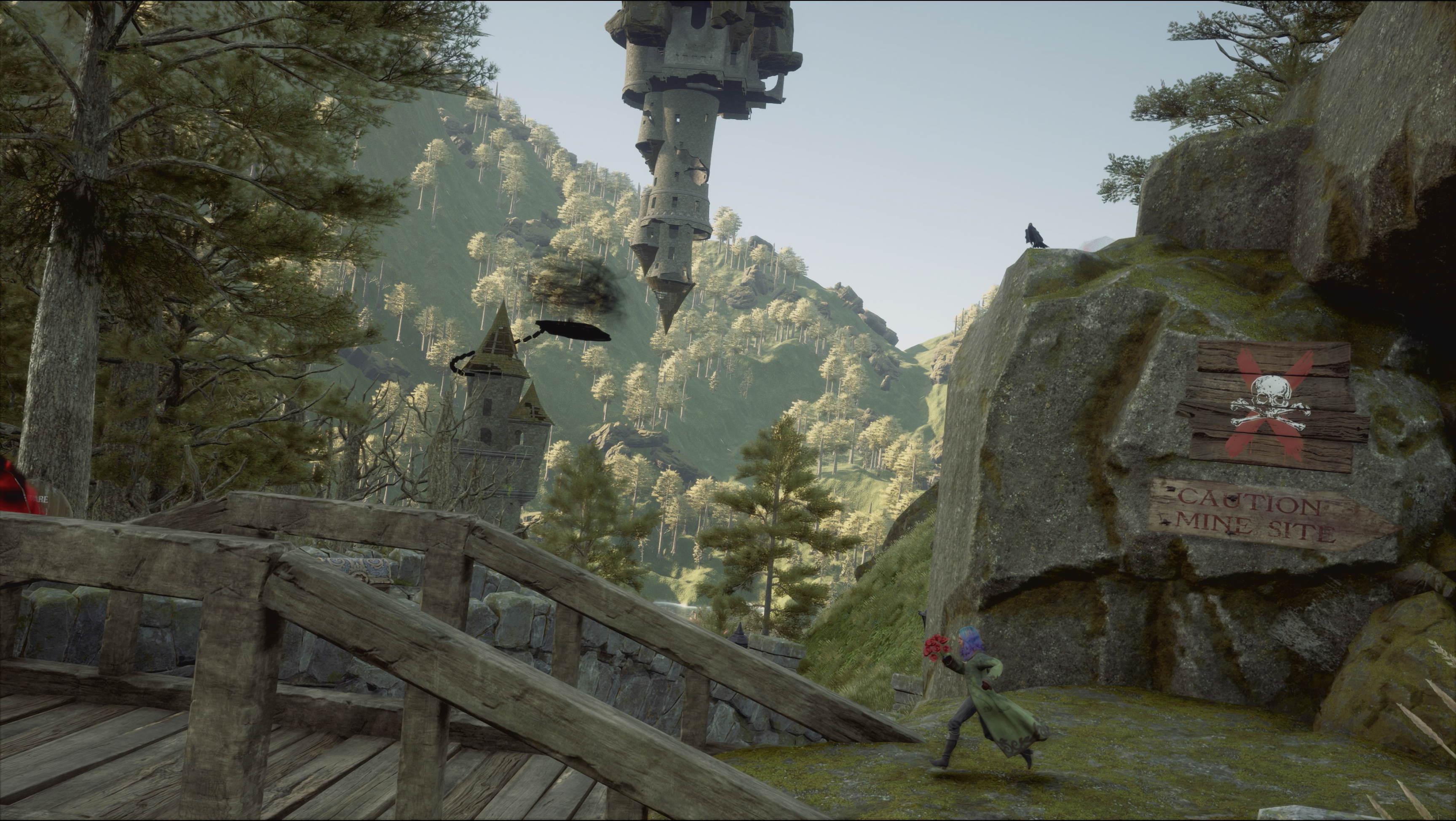
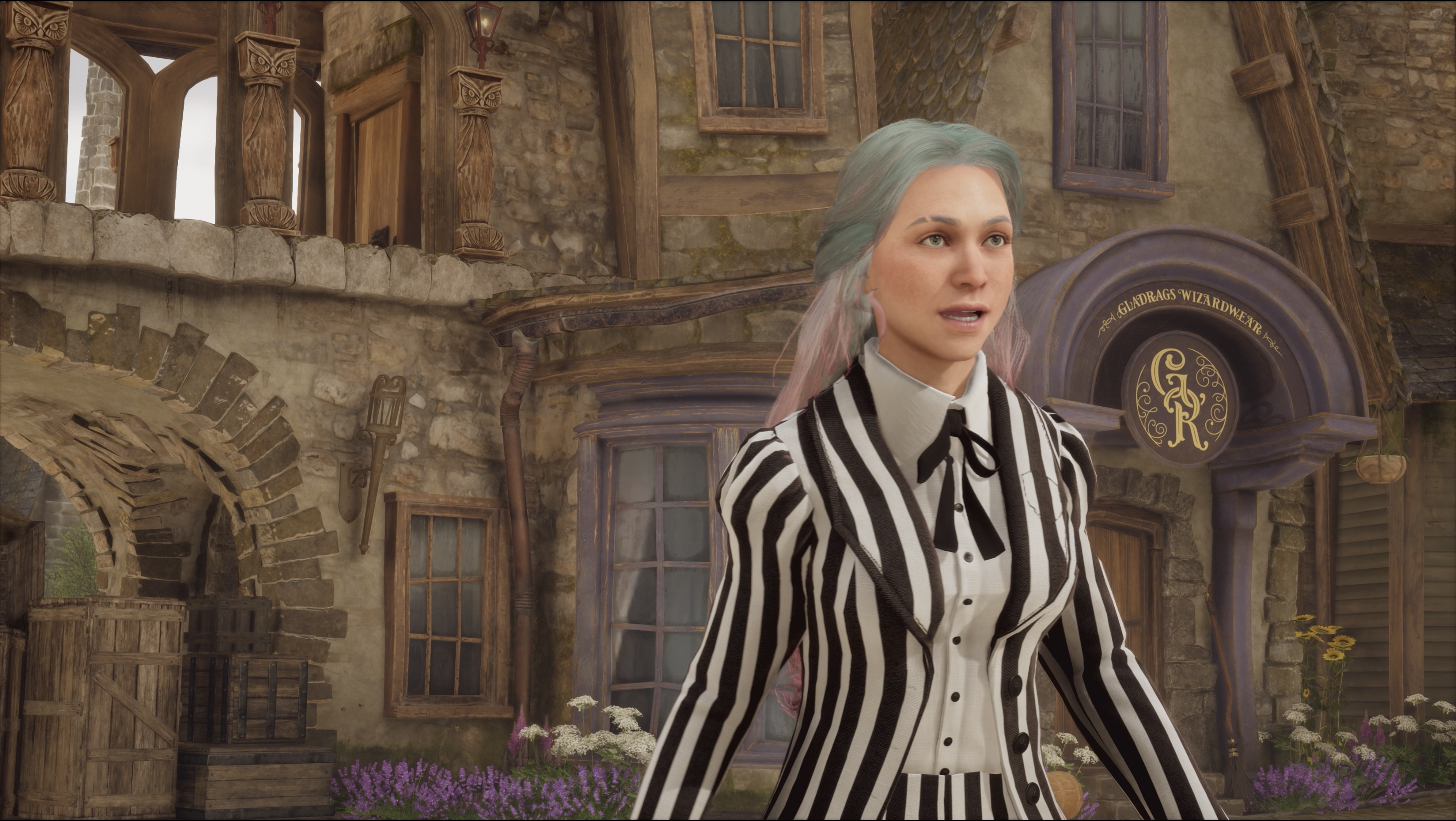
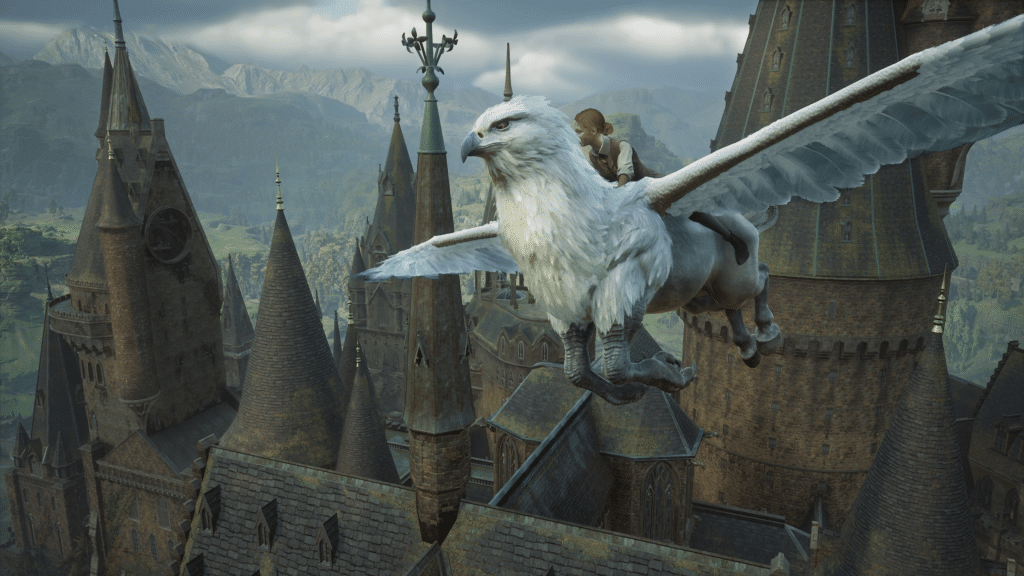
With that in mind, the team took full advantage of the upgraded tech of the Nintendo Switch 2 system. We rebuilt core assets to utilize improved processing power, resulting in higher texture resolutions, dynamic lighting, smoother framerates, and denser crowds throughout Hogwarts and its surrounding world. Improved audio technology allowed us to deepen the environmental magic, from trickling fountains to echoing castle chambers. Seamless open-world traversal and swift loading let players move between the castle, Hogsmeade, and the surrounding countryside more naturally than ever before. Every upgrade serves to make the castle and its grounds feel truly alive, something Rob describes as “the full realization of our vision for Hogwarts Legacy.”

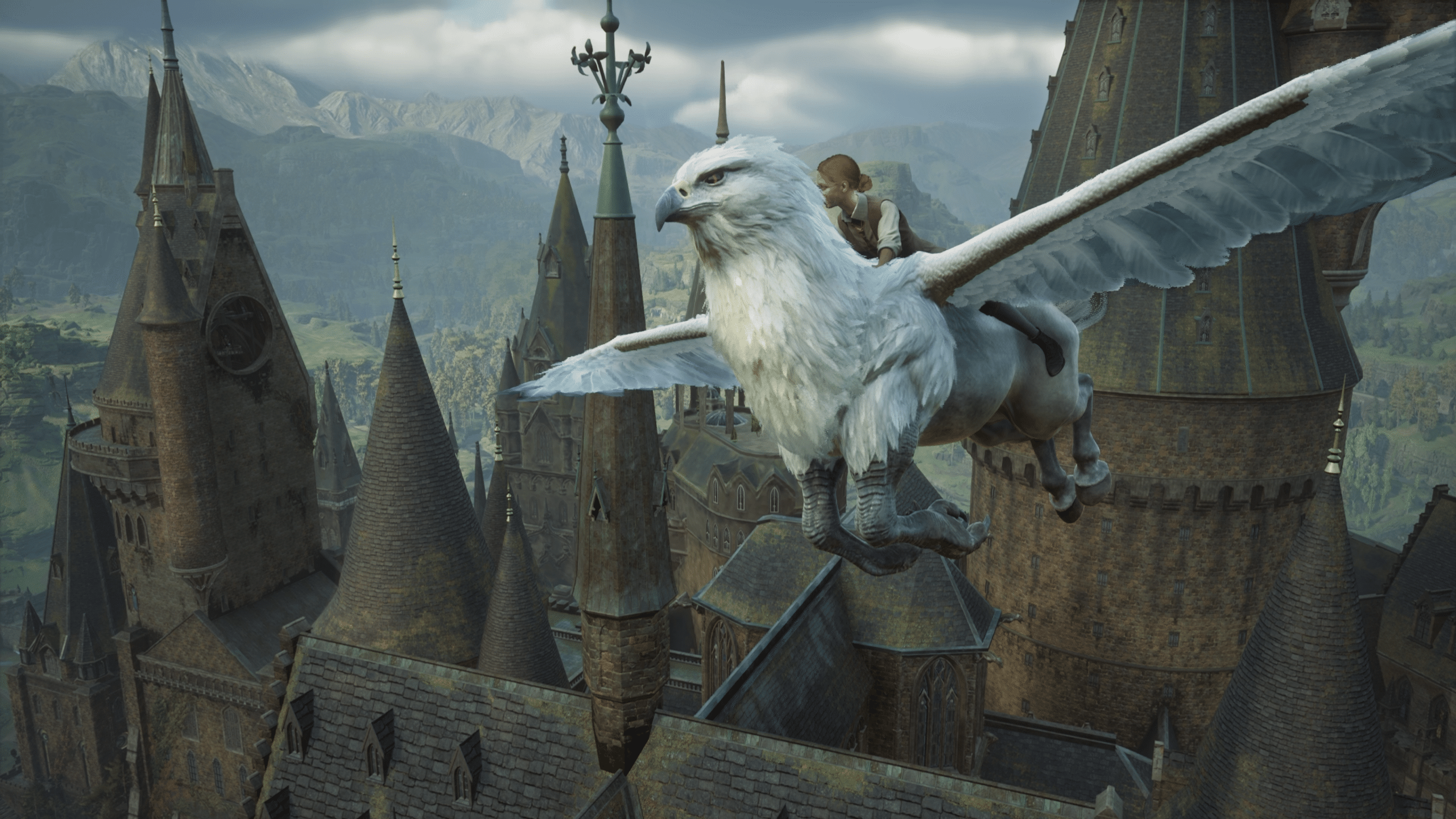
But bringing the Wizarding World to life on Nintendo Switch 2 isn’t just about visuals and performance. We’ve harnessed new Nintendo Switch 2 features, including refined motion controls for precise spell-casting and even more responsive broom flight. Menu navigation and inventory management are now enhanced through touchscreen support, making spell slots and gear swaps feel effortless. And with the new Joy-Con™ 2 controllers, you can use mouse-style pointer controls, bringing a new layer of precision and accessibility to magical exploration.

These additions are about the feel of the game as much as functionality. “We were able to leverage the touchscreen, the increased screen size, the extra processing power… that allowed us to have higher frame rates,” says Rob. “All of these elements together let us get closer to that vision of making Hogwarts feel real, like you’re walking those halls yourself.” Additionally, GameChat support brings friends together, from sharing discoveries to collaborating on magical challenges, making Hogwarts more connected than ever.
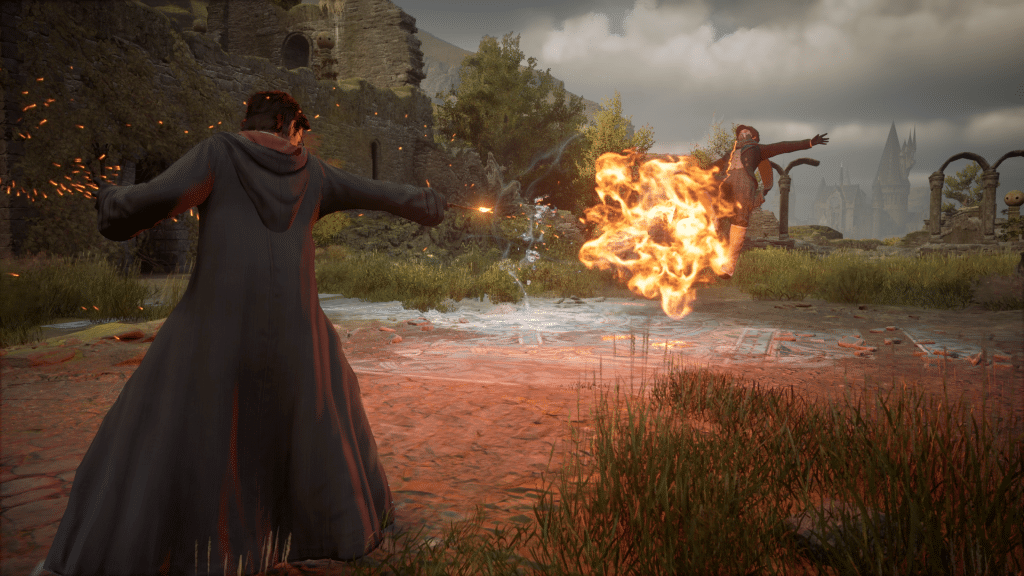
We also know how important your in-game journey is. That’s why we’ve made sure you can carry your progress forward, supporting a one-way save transfer from Hogwarts Legacy on Nintendo Switch to Nintendo Switch 2.

Hogwarts Legacy for Nintendo Switch 2 is now available. For us, this release is a continued celebration of the world we love. As Rob says in reflecting on our journey, “I just hope [players] feel the largeness of the game, the magic of the world, the expansiveness of the castle… just the overall fantasy of being a witch or a wizard in the Harry Potter universe.”

We’re proud to help turn the page on this exciting new chapter, one filled with greater immersion, new adventures, and the kind of magic that never stops growing.

And now your Hogwarts story is bigger, brighter, and more magical than ever on Nintendo Switch 2.
Featured image

Hey everyone! It’s been a little while, but we’re back with some exciting news. The team here at Avalanche has been hard at work, and I’m thrilled to finally share a new update for Hogwarts Legacy! Official modding is now available in Hogwarts Legacy on PC and we’ve made it easy to jump in and experience them yourself.

Here’s how to use mods in Hogwarts Legacy.

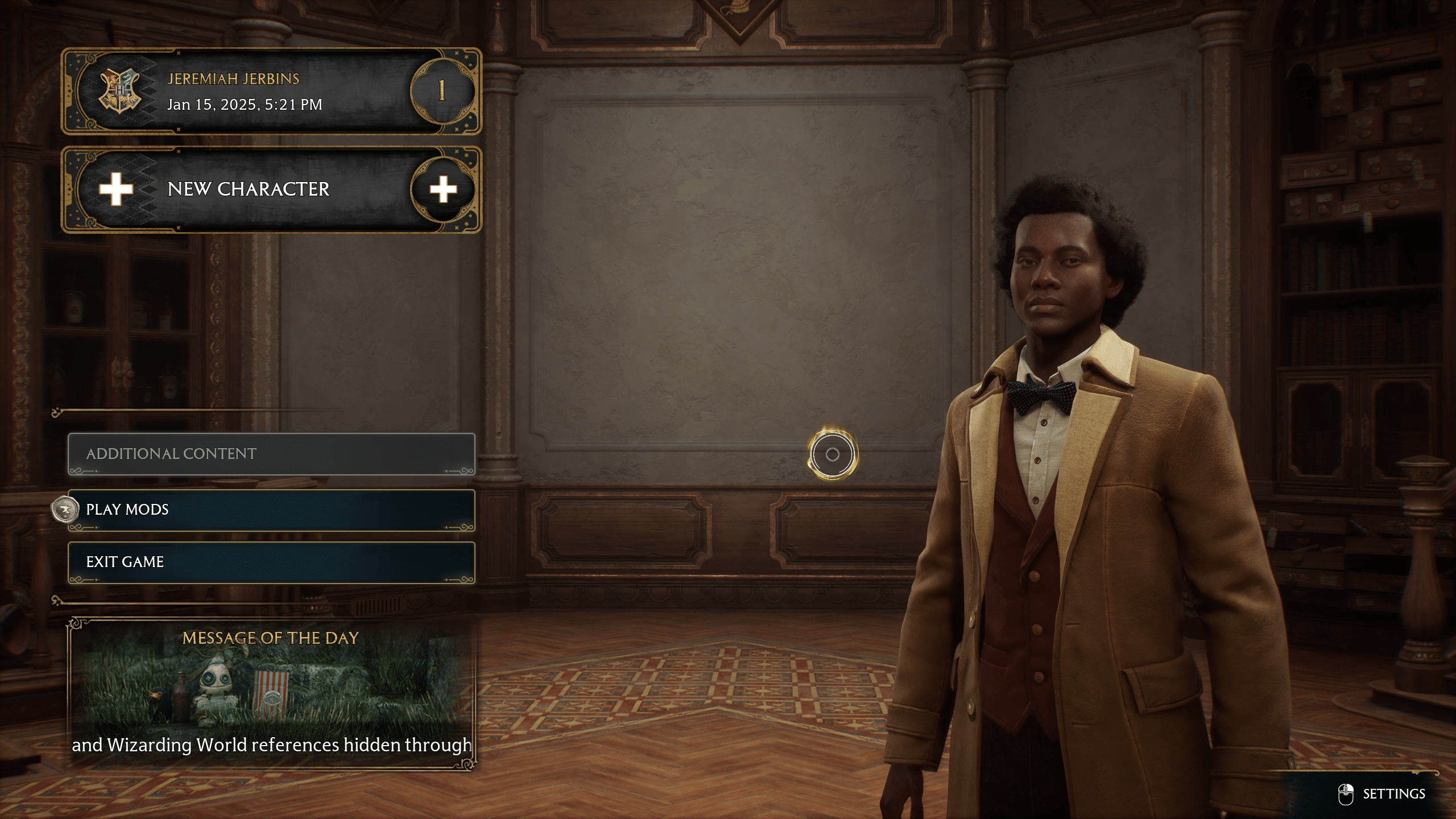
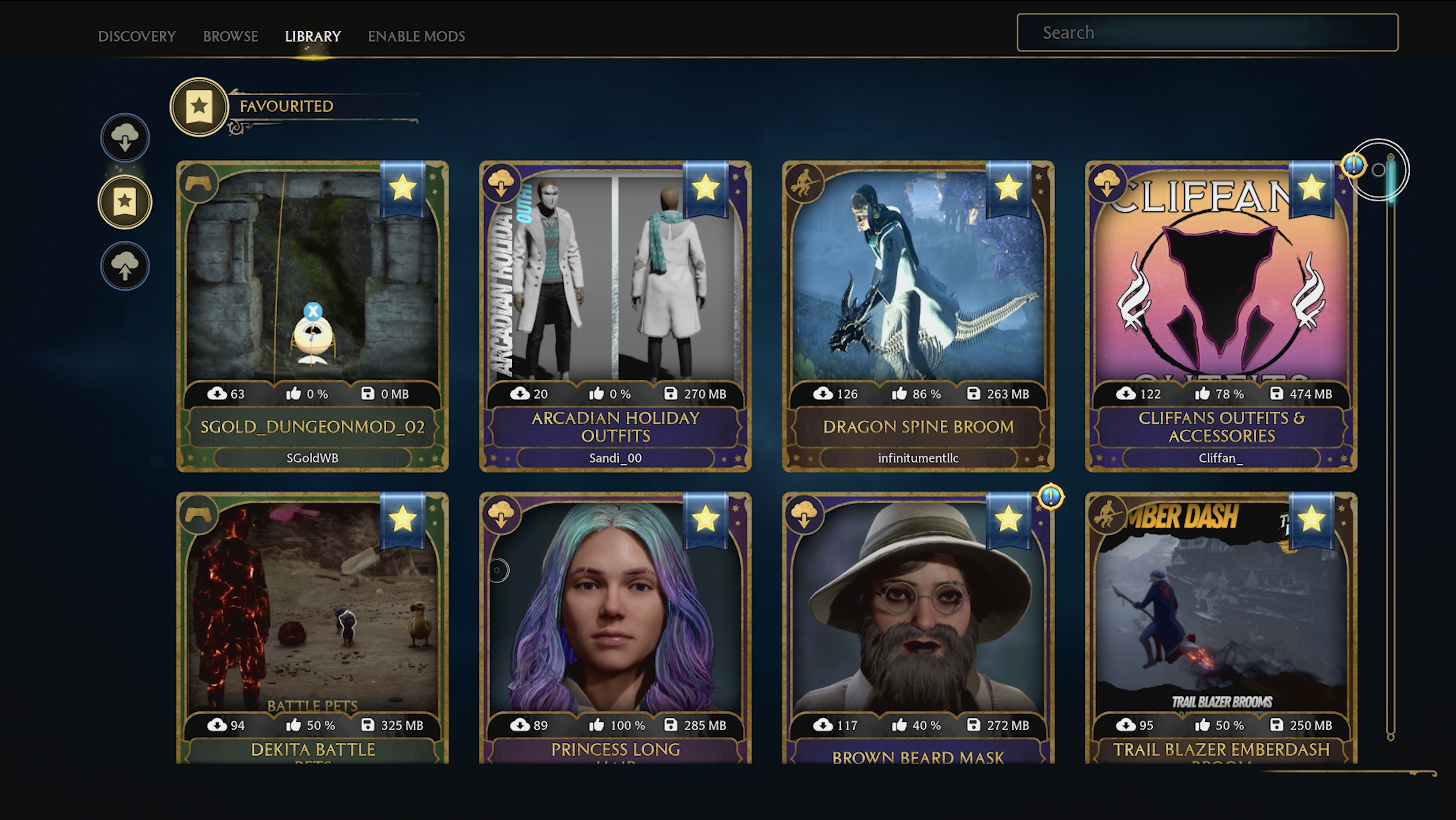
To get started, head to the “Play Mods” option on the main menu of the game. This will bring you to the in-game Hogwarts Legacy mod interface. Here, the “Discovery” and “Browse” tabs house a growing collection of user-created mods across a variety of categories. Any mods you’ve favorited or installed will appear in your Library tab.

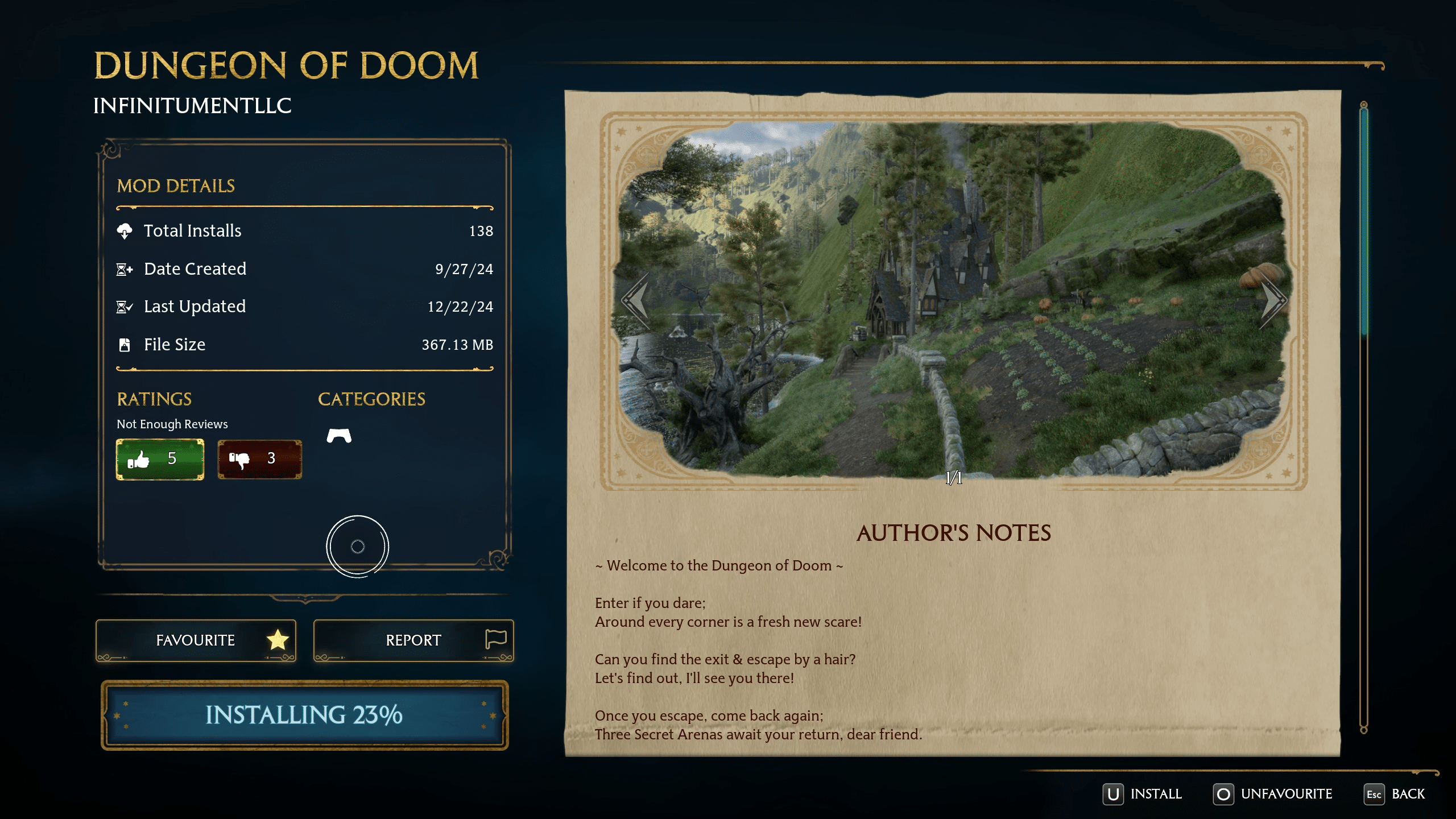
When you find a mod you like, simply click on it to view more details, like notes about it from the mod author and additional screenshots. Then, hit “Install Mod” to download and install it. You can also favorite, rate, or report mods from this screen. Rating mods helps other players see which ones are most popular in the community and will help us keep the Discovery tab updated with what’s trending.

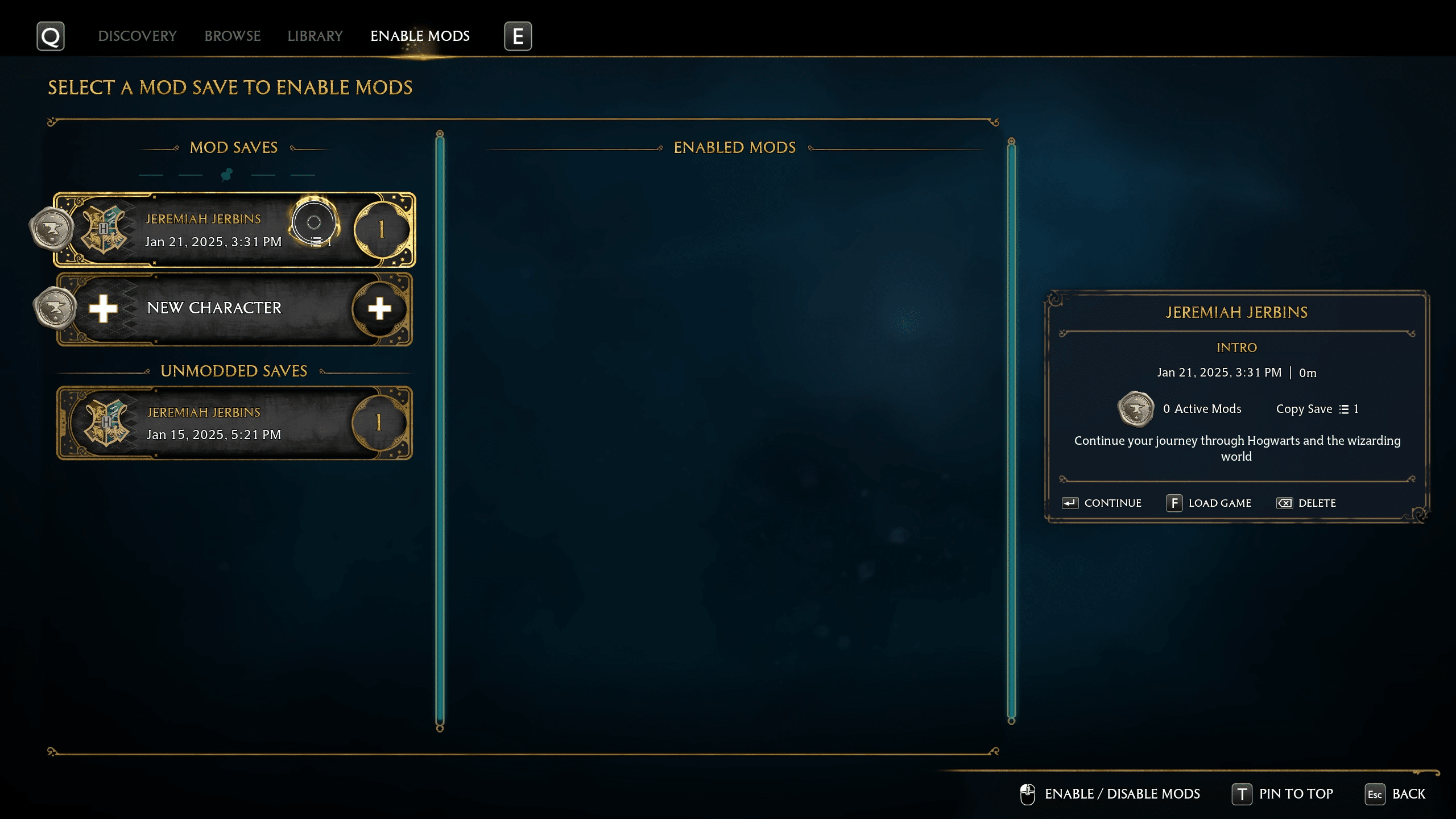
To enable the mods that you’ve installed, go to the “Enable Mods” tab.

Modded saves are separate from your normal save files, so you’ll either need to start a new character or copy one of your un-modded saves, both of which you can do on this screen. Don’t worry—creating a modded save won’t affect your unmodded saves.

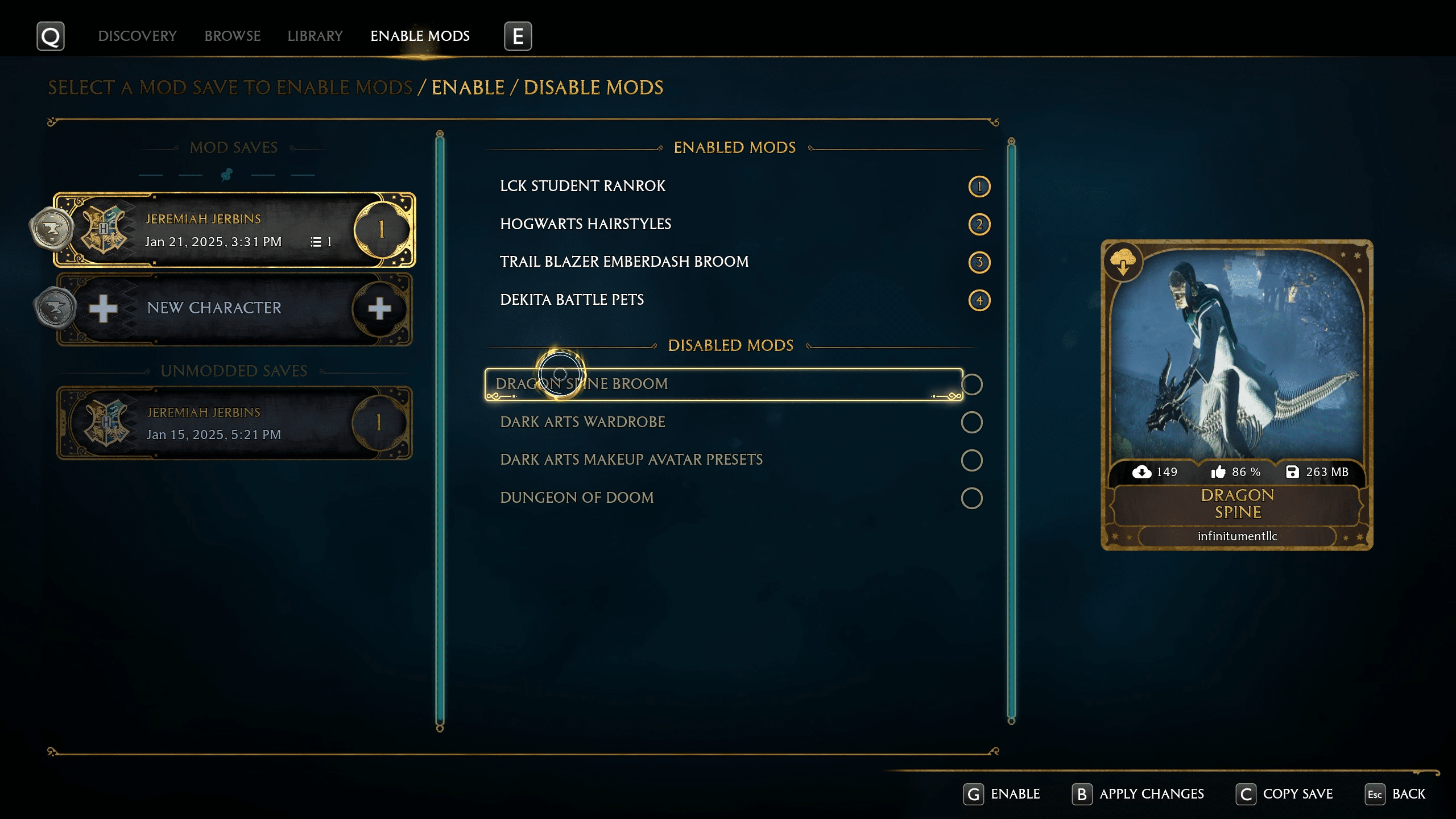
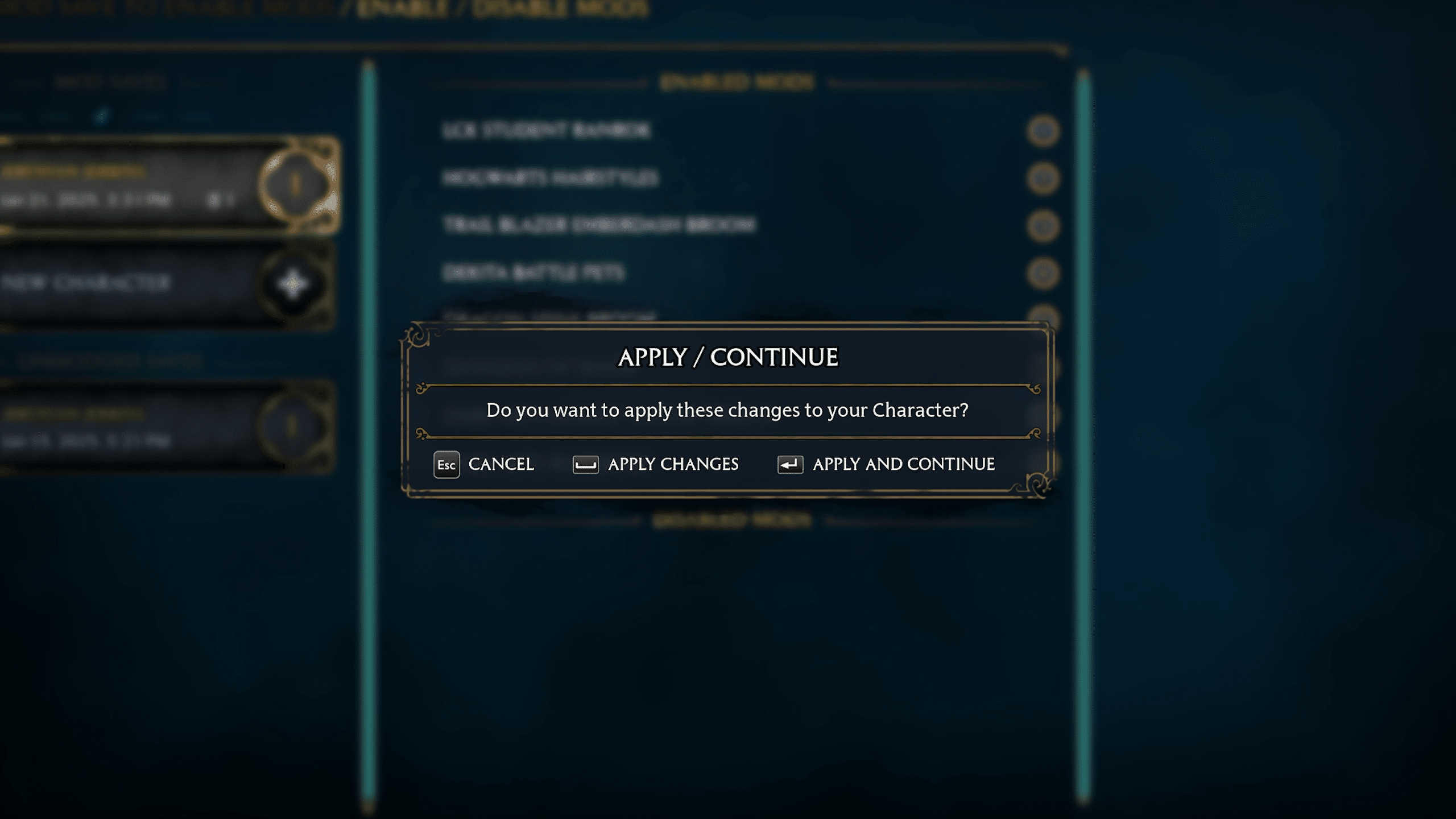
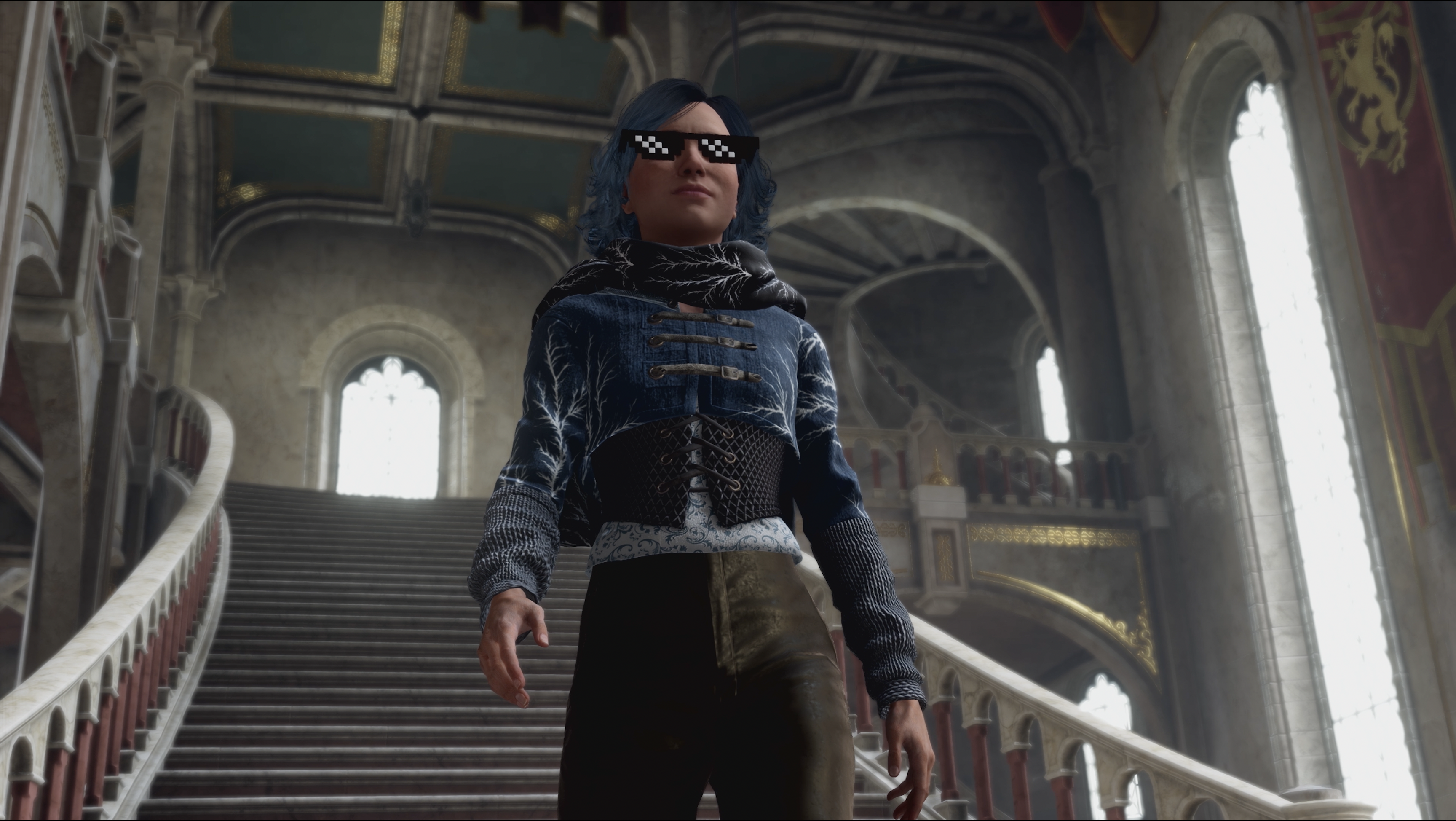
Now you can choose which mods to activate for each of your modded save files. Once you’ve selected the mods you want active, just load up your modded save or start a new game from this menu.

Remember, modded saves must be loaded from the “Enable Mods” menu in the mods interface. If you start a save game from the Hogwarts Legacy main menu, you’ll be playing without mods.

Enjoy your new mods, and happy playing!

Featured image

Today, the magic of Hogwarts Legacy takes a massive leap forward with our latest free PC update, introducing incredible new graphical enhancements, support for NVIDIA DLSS 4 and the new NVIDIA GeForce RTX 50 Series GPUs, and the launch of official modding. Whether you’re marveling at the shimmering reflections on the Black Lake or creating entirely new adventures, cosmetics, or challenges for Hogwarts Legacy players on PC, this update is a testament to how technology and creativity can transform your experience.

But who better to tell you all about the cool things in this update than Avalanche’s very own talented Director of Software Engineering, Jose Villeta, who played a critical role in making all of this happen! Take it away, Jose!

From the Desk of Jose Villeta: What’s New in the Hogwarts Legacy Free PC Update

“With our new PC patch, we have some key updates around modding support and raytracing features, as well as support for NVIDIA DLSS 4 and the latest GeForce RTX 50 Series GPUs.

We have worked closely with Overwolf to bring a first-class experience for modding our PC game. Modders will have access to the Unreal Engine Creator Kit powered by CurseForge, along with an updated game client that lets you browse the latest creations and manage your mods seamlessly.

For this update, we focused on three key pillars of modding:

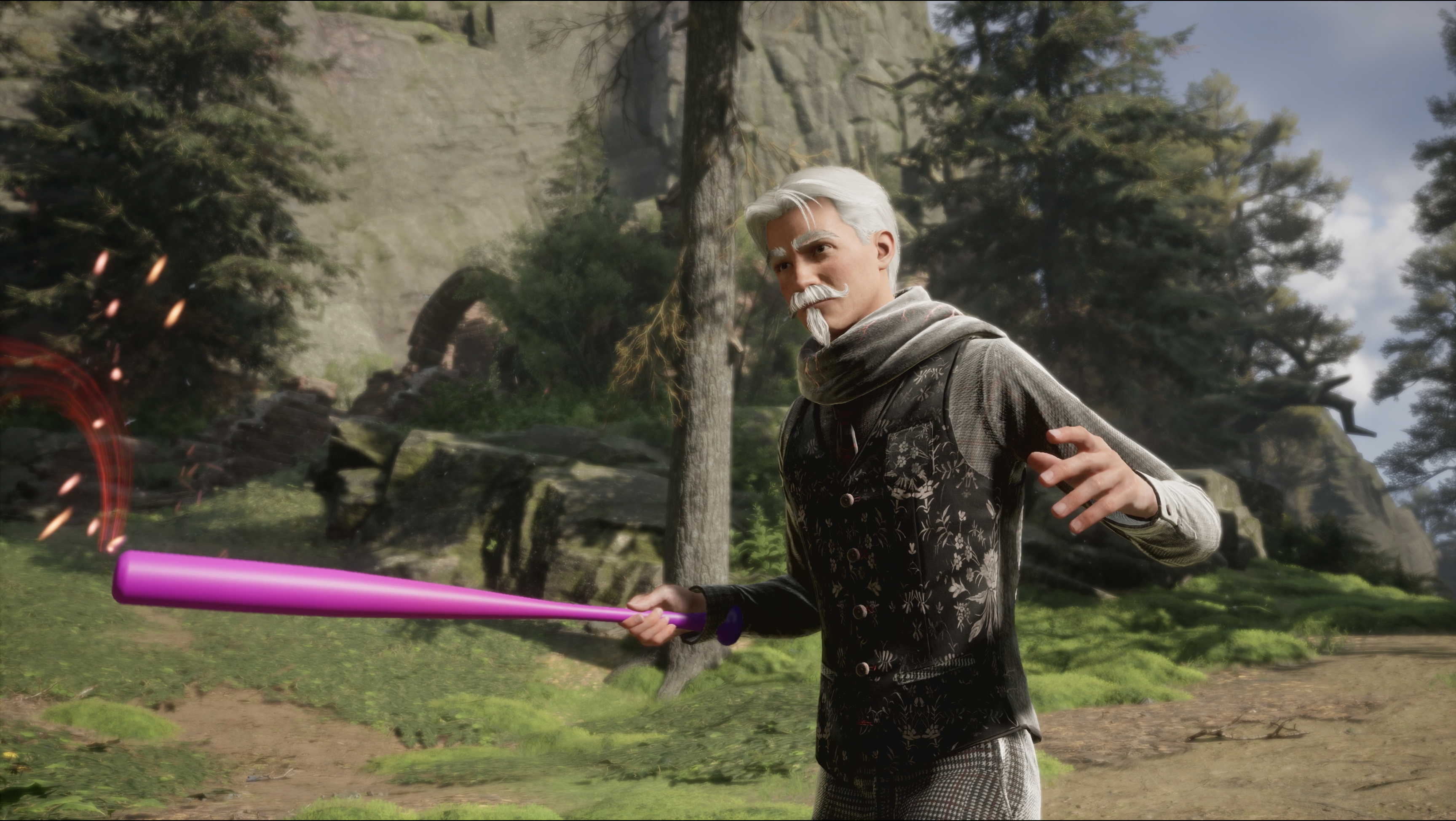
  1. Character Customization: Using our Character Creator Plugin, modders can create new avatar and NPC looks, giving players even more ways to express themselves.
  2. Mission Creation: With access to our Quest Editor Plugin, modders can craft entirely new adventures in the Wizarding World, expanding the story in exciting ways.
  3. Dungeon Maps: Our level toolkits empower modders to design brand-new dungeon locations, complete with challenges and secrets to uncover.

On the graphical side, we’ve upgraded our raytracing and neural rendering technologies with several new features:

  • Enhanced Raytraced Reflections: These are now rendered at a higher fidelity, delivering crisper, more detailed visuals.
  • Water Reflections: Raytraced reflections now include bodies of water, such as the iconic Black Lake.
  • Customizable Raytracing Settings: Players can now fine-tune individual raytracing settings, like shadows and geometry, to best suit their hardware and preferences.
  • Support for Advanced Neural Rendering Technologies: Hogwarts Legacy now features support for DLSS 4 with Multi Frame Generation for GeForce RTX 50 Series GPUs, which boosts FPS by using AI to generate up to three times per traditionally rendered frame. DLSS 4 also introduces faster single Frame Generation with reduced memory usage for GeForce RTX 50 and 40 Series. The new Transformer model enhances stability, lighting, and detail in motion.”

Conjure the Magic

Thanks to the incredible work of the Avalanche Software team and a number of external partners, this update is a game-changer for both players and mod authors. Modding support has always been a dream for our community (and our studio!), and now it’s a reality. Imagine designing your own quests, customizing characters with whimsical or elaborate new styles, or diving into dungeons crafted by fellow players. With the tools provided in the Official Hogwarts Legacy Creator Kit—available free on the Epic Games Store—the possibilities are boundless.

Modders will have access to the Unreal Engine Creator Kit powered by CurseForge

Jose Villeta

For those who just want to enjoy the fruits of the community’s creativity, the in-game modding interface makes it easy to discover and install new content, with a library that will constantly be growing as modders create new things for players to experience. Your wizarding world is about to get a whole lot bigger.

A World Reimagined

On the graphical side, new enhancements bring Hogwarts to life in breathtaking detail. The reflections in the Black Lake shimmer with newfound realism, and the shadows stretching across the castle grounds add a depth that feels almost tangible. Combined with the ability to customize settings to your liking, the update ensures that every PC player can find the perfect balance of beauty and performance.

Whether you’re exploring the castle’s towers under a glowing sunset or embarking on a modded quest that takes you beyond the Forbidden Forest into realms unknown, this update invites you to see Hogwarts Legacy in ways you never thought possible.

The free PC update isn’t just about adding features—it’s about expanding what’s possible. We’re giving players the tools to create, explore, and connect in ways that feel personal and magical. With groundbreaking visual enhancements and the unbridled creativity of modding at your fingertips, the magic of Hogwarts Legacy is more alive than ever.

Grab your wand, tune your settings, and conjure the magic in the free Hogwarts Legacy PC update, available now.